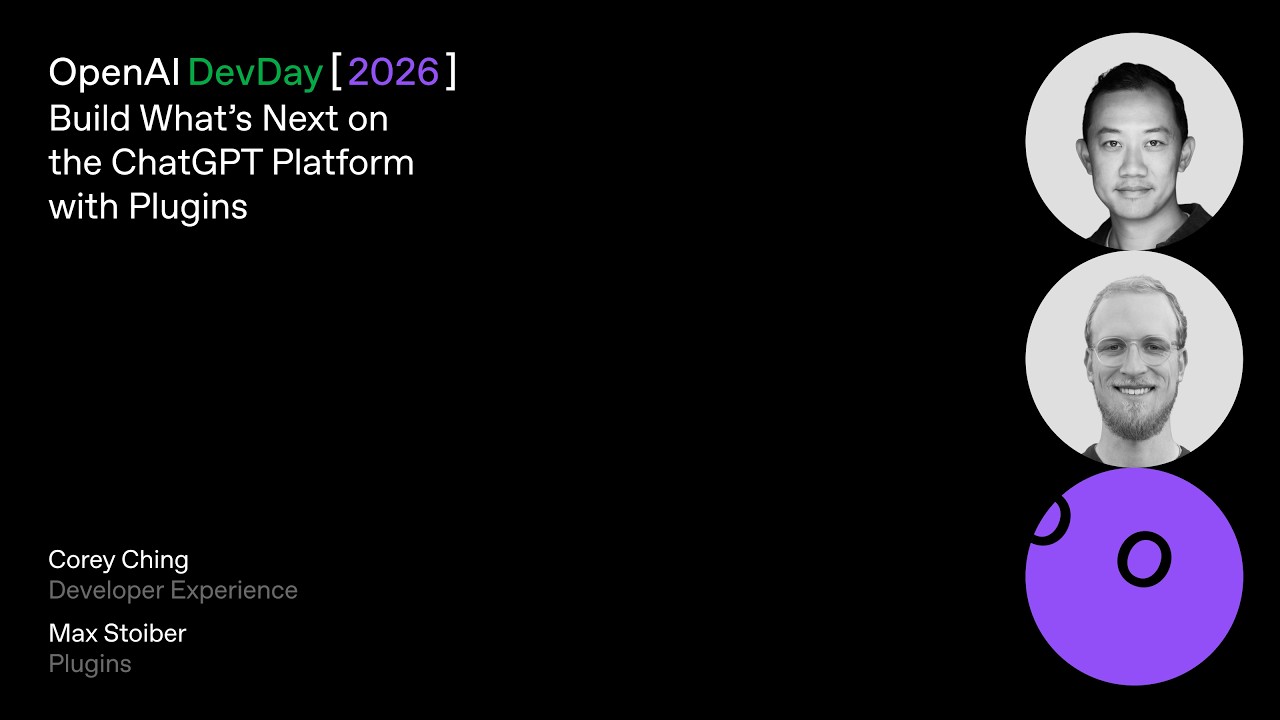
Build What’s Next on the ChatGPT Platform with Plugins | DevDay 2026
Summary
OpenAI announced a major expansion of the ChatGPT platform for developers, focusing on 'plugins' and 'plugin extensions.' These updates allow external tools and services to integrate deeply into the ChatGPT interface, enabling complex, multi-step workflows. Key improvements include enhanced plugin discovery via conversational suggestions, native sidebar/side panel integration for a more collaborative user experience, and significant overhauls to the plugin submission and deployment process, making it easier for developers to build and scale full-stack applications using the MCP framework.
Key takeaways
-
Enhanced Plugin Discovery
Plugins can now be suggested directly within a conversation when ChatGPT identifies that a user's task requires external tools. Discovery is shaped by three signals: Conversion (usage after installation), Active Usage (daily/weekly use), and Retention (repeat usage).
-
Native Plugin Extensions
0:01
Developers can bring their product interfaces into the ChatGPT sidebar or side panel, allowing for a highly native, interactive experience. This includes the ability to share context (e.g., an element selection in the side panel) back to the model and the conversation.
-
Simplified Build and Shipping Workflow
0:02
The plugin submission process has been overhauled: the submission form is eliminated, and required metadata is generated from the `plugin.json` file. Review checks are now automated upon upload, and MCP server updates no longer require resubmission.
More digests on Build Engineering
Technical details
-
Multi-Context Processing (MCP) & Agents
0s
MCP is becoming the core mechanism for how agents interact with the world, enabling complex tasks that involve multiple tool calls and context pulling. The platform is introducing support for the upcoming MCV event spec, allowing the MCP server to notify ChatGPT of events and initiate automated workflows via `event/list` and `event/subscribe` methods.
-
Plugin Extension Implementation
3s
Extensions can be integrated into the ChatGPT sidebar by adding `entry points` configuration to the MCP tool. Developers can also register file entry points to allow their plugin to open specific file types interactively within the side panel. Furthermore, plugins can expose read-only MCP tools marked for `mentioned search` within the composer.
-
User Onboarding and Settings
3s
Plugins can now provide a custom onboarding skill that guides users through setup. Configuration settings can be exposed directly in the ChatGPT settings screen by providing a read tool (schema/current values) and an update tool.
-
Hosting and Identity
3s
The platform supports hosting MCP servers via 'sites,' enabling full-stack web apps. Developers can increase plugin usage by implementing 'Sign In with ChatGPT' (an identity integration), allowing users to bring their ChatGPT token entitlements into the product.
Mentioned resources
- OpenAI developers plugins
- App Plugin Creator
- Codex
Channel & topics
Watch on YouTube · Back to latest
This independent, AI-assisted summary is provided for commentary and informational purposes. It may contain errors or omit important context. Please watch the original video for the creator's complete presentation. Video, thumbnail, and related copyrights belong to their respective owners.